
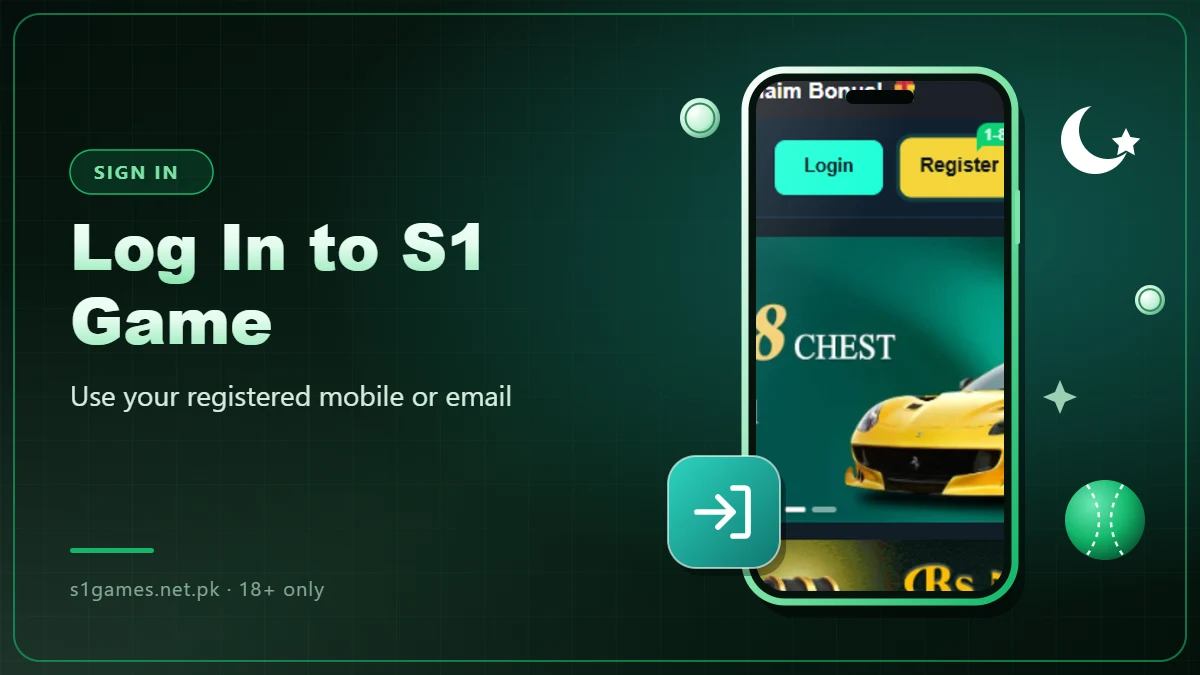
Log in to S1 Game with the mobile number or email and the password you used to register.
Login Steps
- Open the S1 Game app.
- Tap the Login button at the top of the home screen.
- Enter your registered mobile number or email address.
- Enter your password.
- Tap Login to open your account.
Forgot Your Password?
- Tap Forgot Password on the login screen.
- Enter your registered mobile number or email.
- Enter the OTP or code you receive.
- Set a new password and log in with it.
If you cannot reset it this way, contact S1 Game support from inside the app.
Login Problems and Fixes
| Problem | Fix |
|---|---|
| Wrong password message | Check for typing mistakes, or reset your password. |
| OTP not arriving | Check your signal, wait a minute and tap Resend. |
| App stuck on loading | Check your internet, then close and reopen the app. |
| App keeps crashing | Clear the app cache in phone settings, or install the latest APK. |
| Account locked or blocked | Contact support with your registered mobile number or email. |
Keep Your Account Safe
- Never share your password or OTP with anyone.
- Log out after playing on a shared phone.
- Avoid public Wi-Fi when logging in or making payments.
- Install the app only from a trusted source, never a modded version.