
Creating an S1 Game account takes about two minutes. You need the app, a mobile number or email address, and a password.
Before You Start
- Install the latest S1 Game APK using the download button on this page.
- Keep your phone nearby to receive the OTP or confirmation code.
- You must be 18 or older to create an account.
Registration Steps
- Open the S1 Game app.
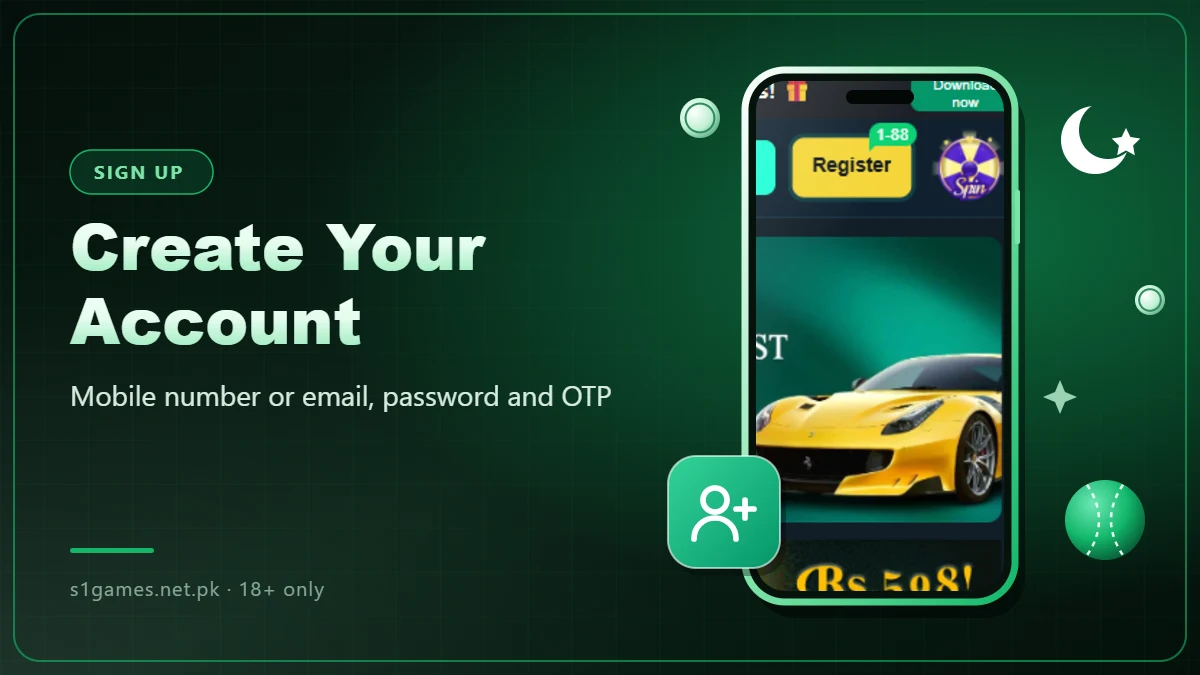
- Tap the yellow Register button at the top of the home screen.
- Enter your mobile number or email address.
- Create a strong password and enter it again to confirm.
- Enter the OTP or confirmation code you receive.
- Add a referral code if you have one.
- Tap Register to finish and open your account.
Registering With a Referral Code
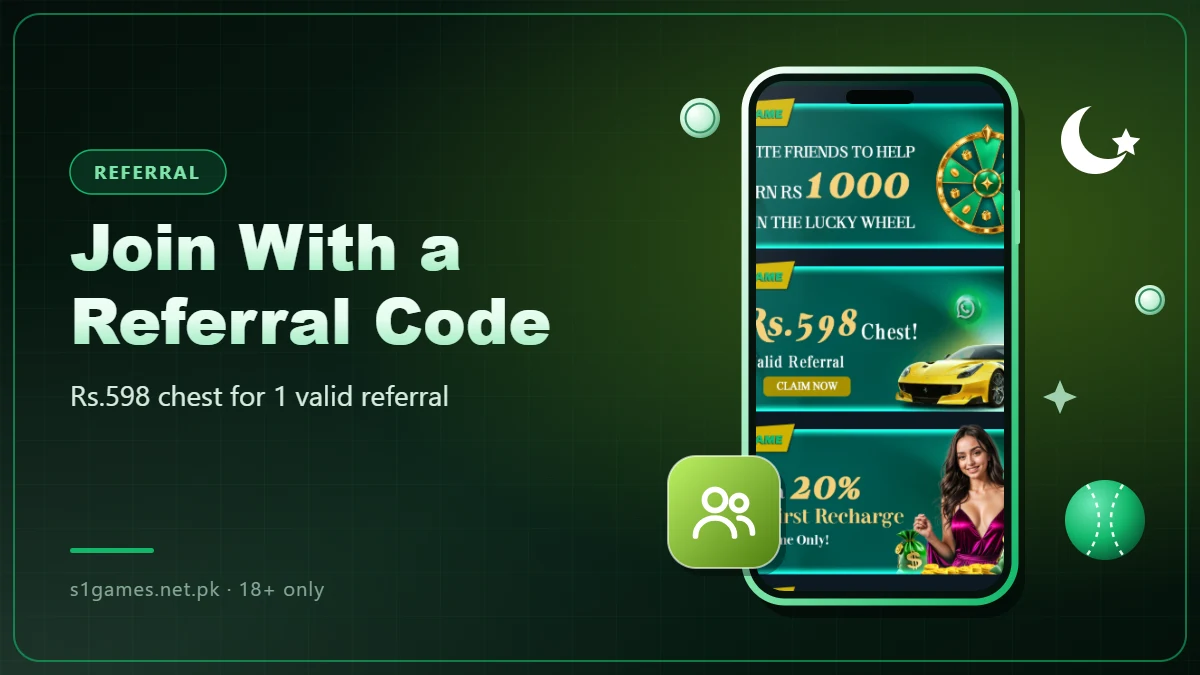
If a friend invited you, enter their referral code during sign-up. Referral rewards are shown in the Promo section, such as a Rs.598 chest for 1 valid referral at the time of writing. You can also skip this step and register without a code.
Password Tips
- Use a mix of letters, numbers and symbols.
- Do not reuse a password from another app or your email account.
- Never share your password or OTP with anyone, including people claiming to be support.
Common Registration Problems
| Problem | Fix |
|---|---|
| OTP not received | Check your signal and wait a minute, then tap Resend. Make sure the number or email is typed correctly. |
| Number or email already registered | Log in with it instead, or use Forgot Password to reset it. |
| Password not accepted | Follow the length and character rules shown on the sign-up screen. |
| Referral code not working | Check the spelling, or skip it and register without one. |